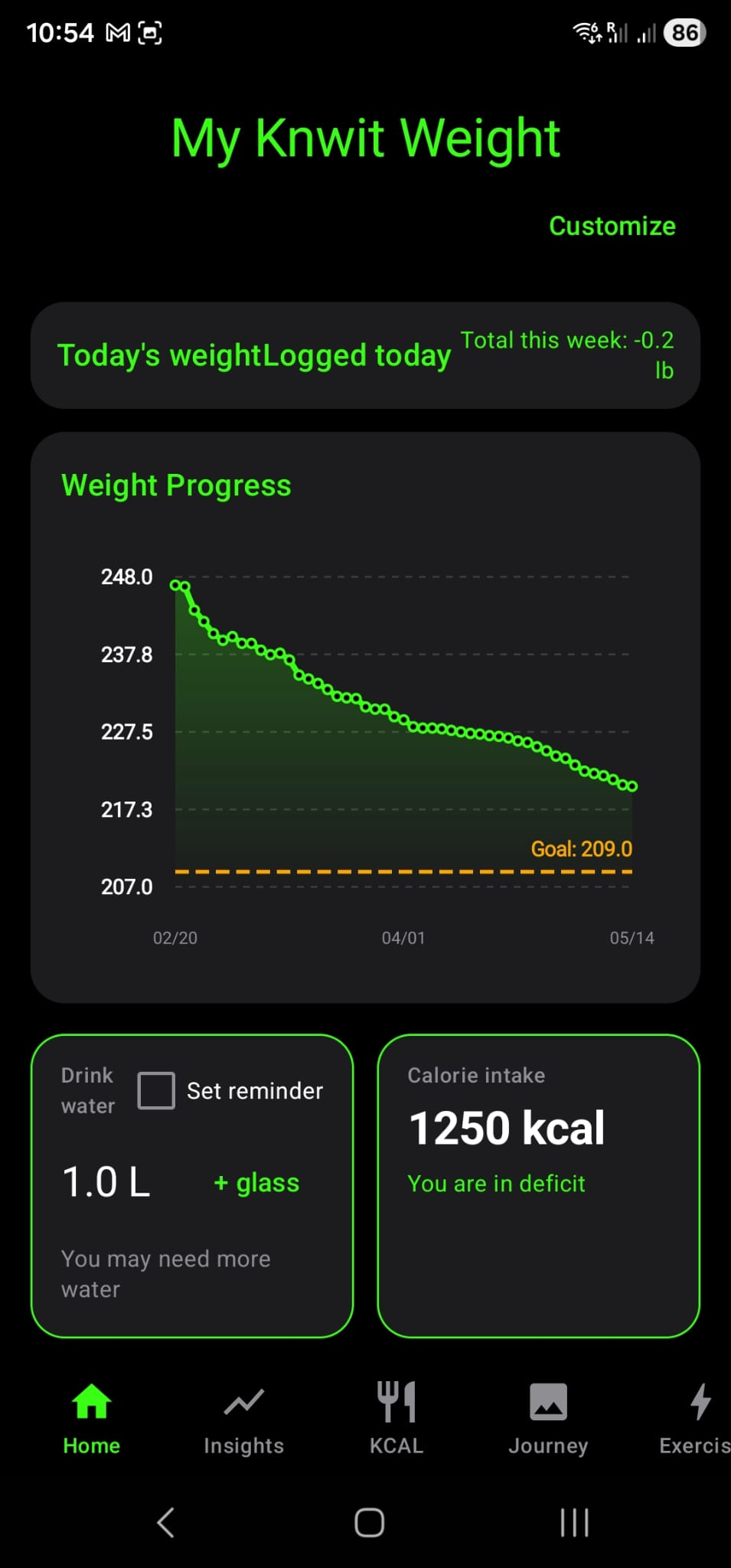
Weight progress
Trend visibility stays central without demanding constant manual work.
KNWIT
Built around your routine.
Features
Personal home, weight progress, daily actions, insights, KCAL tracking, recipes, workouts, onboarding paths, and maintenance all stay connected.
Home And Modularity
Knwit Weight lets users keep the app simple, then shape it around their own routine as needed.
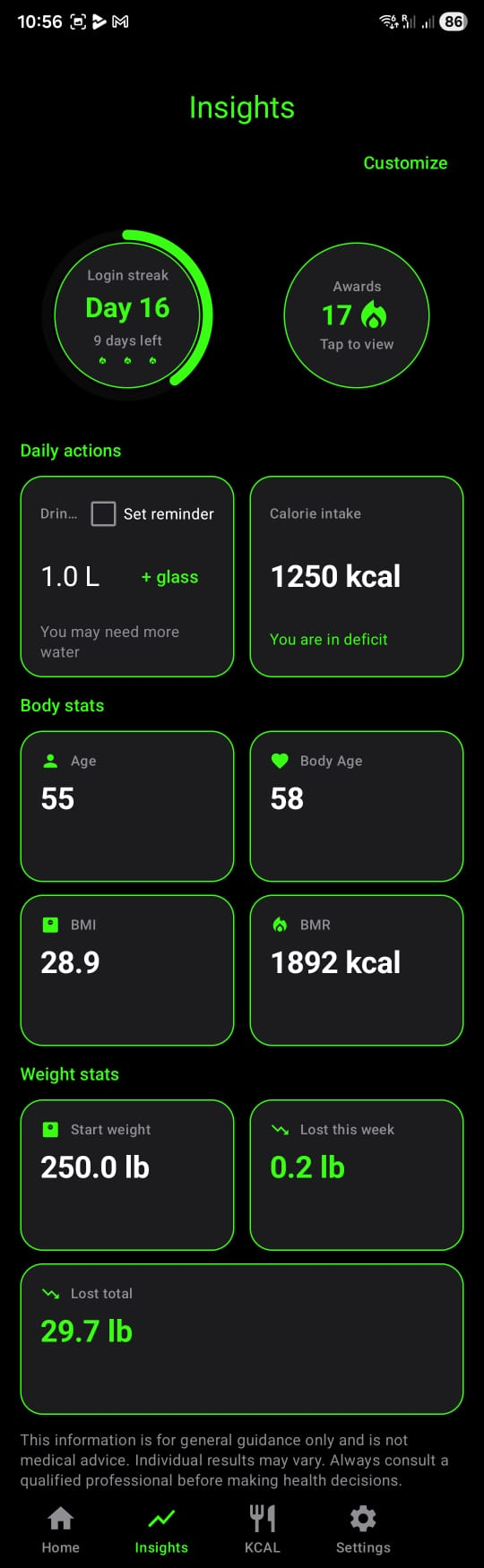
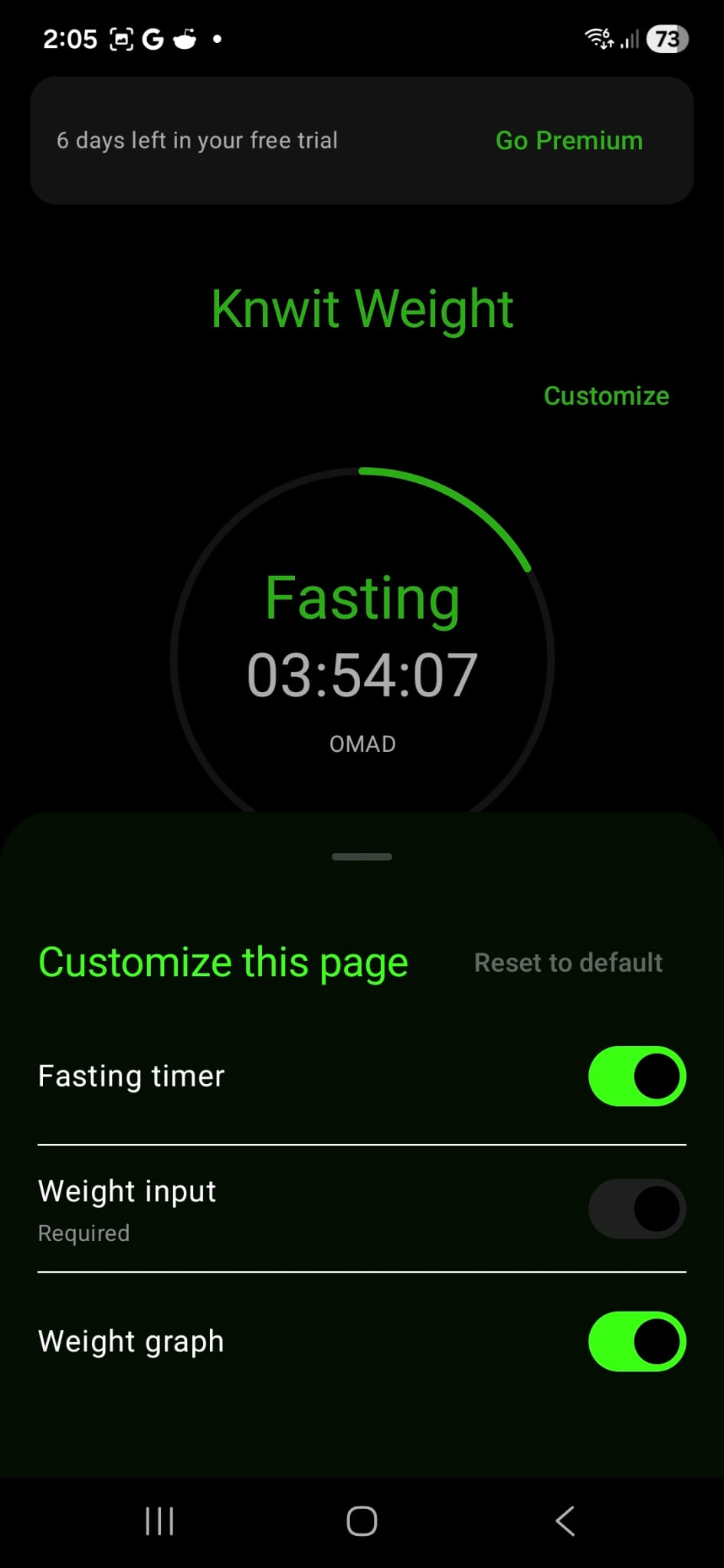
Keep the routine readable with a focused home view that can stay minimal or become more detailed over time.
Choose which pages stay in navigation and which parts of the system should stay up front.
The app avoids the usual overload by letting users remove what they do not need.
Tracking And Insights
Weight trend, daily actions, and calorie context work together without turning the app into an analytics dashboard.
Trend visibility stays central without demanding constant manual work.
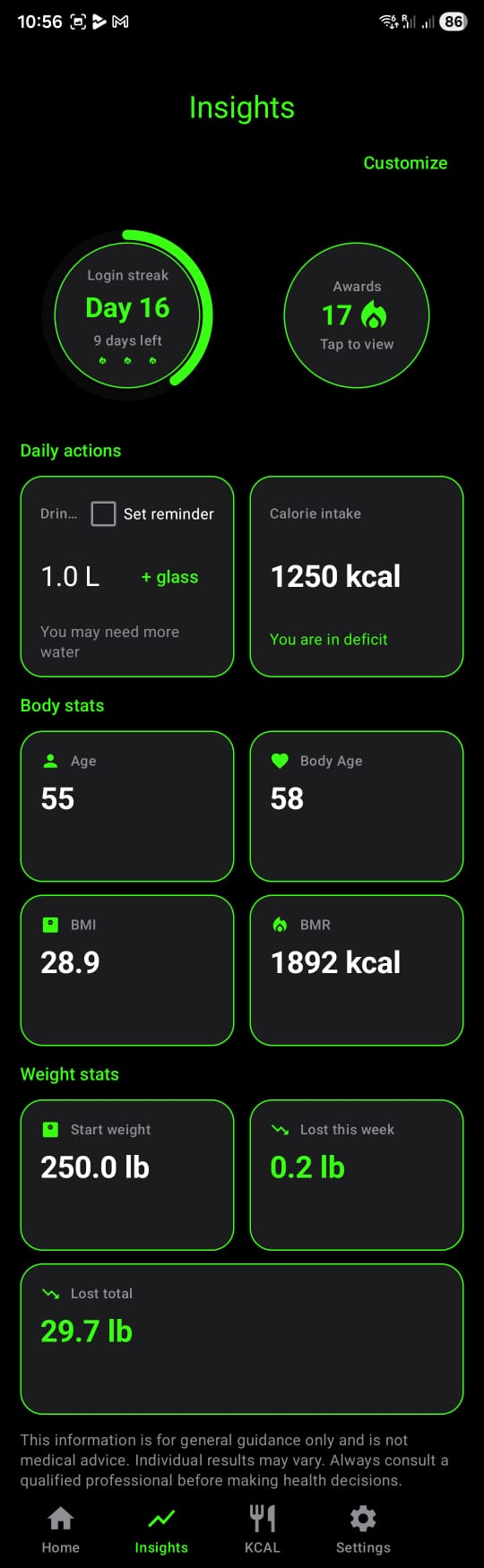
See useful context around the routine without overload.
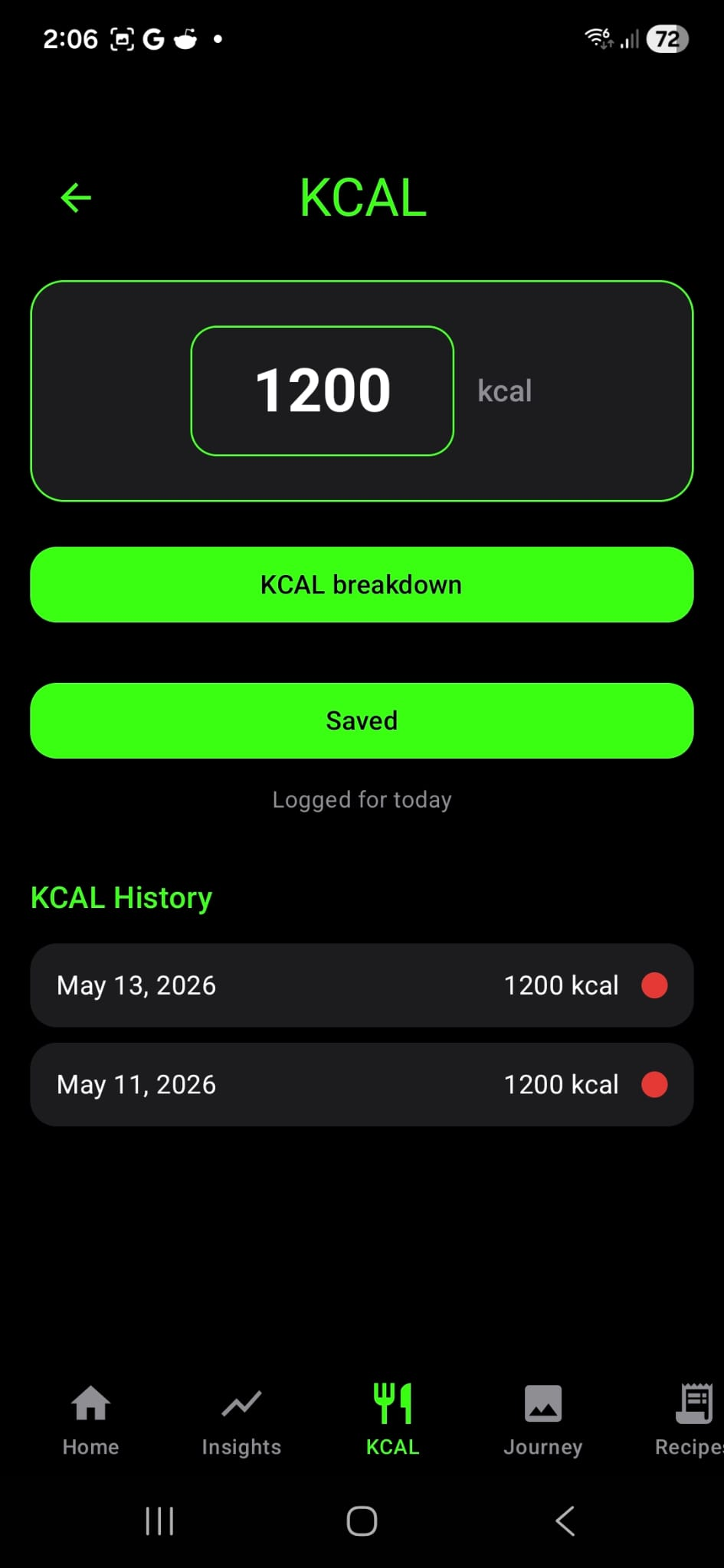
Calories stay available when helpful, but never dominate the full experience.
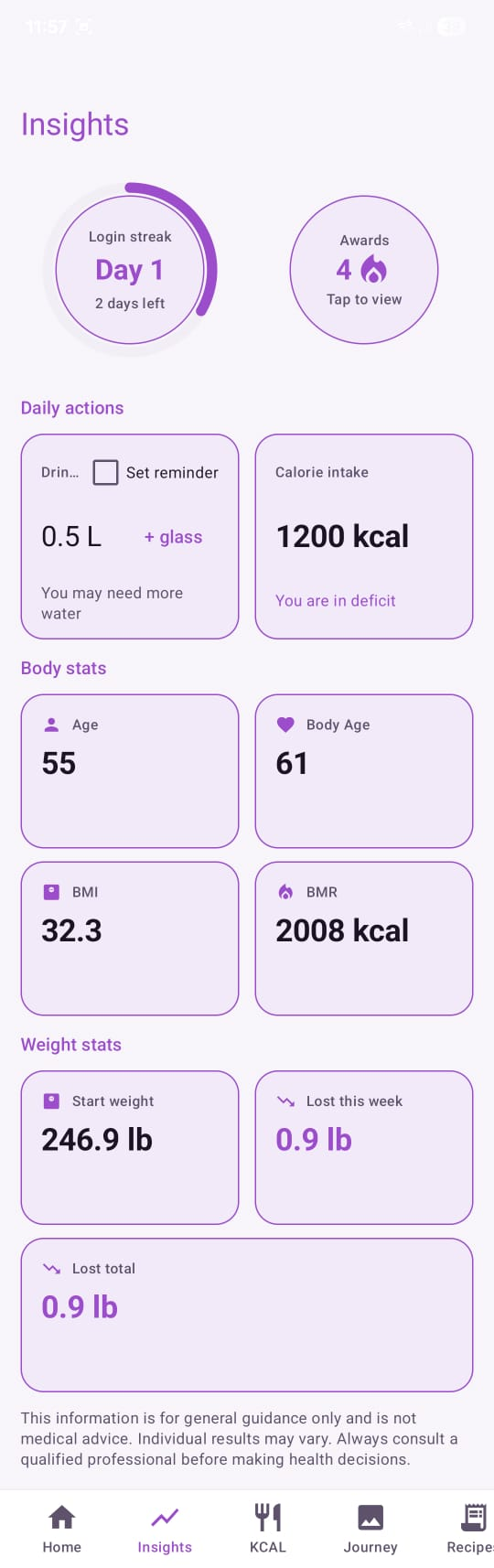
Light mode keeps the system clear and calm when users prefer a brighter view.
Paths And Onboarding
Knwit Weight supports multiple paths while keeping the product calm, factual, and easy to personalize later.
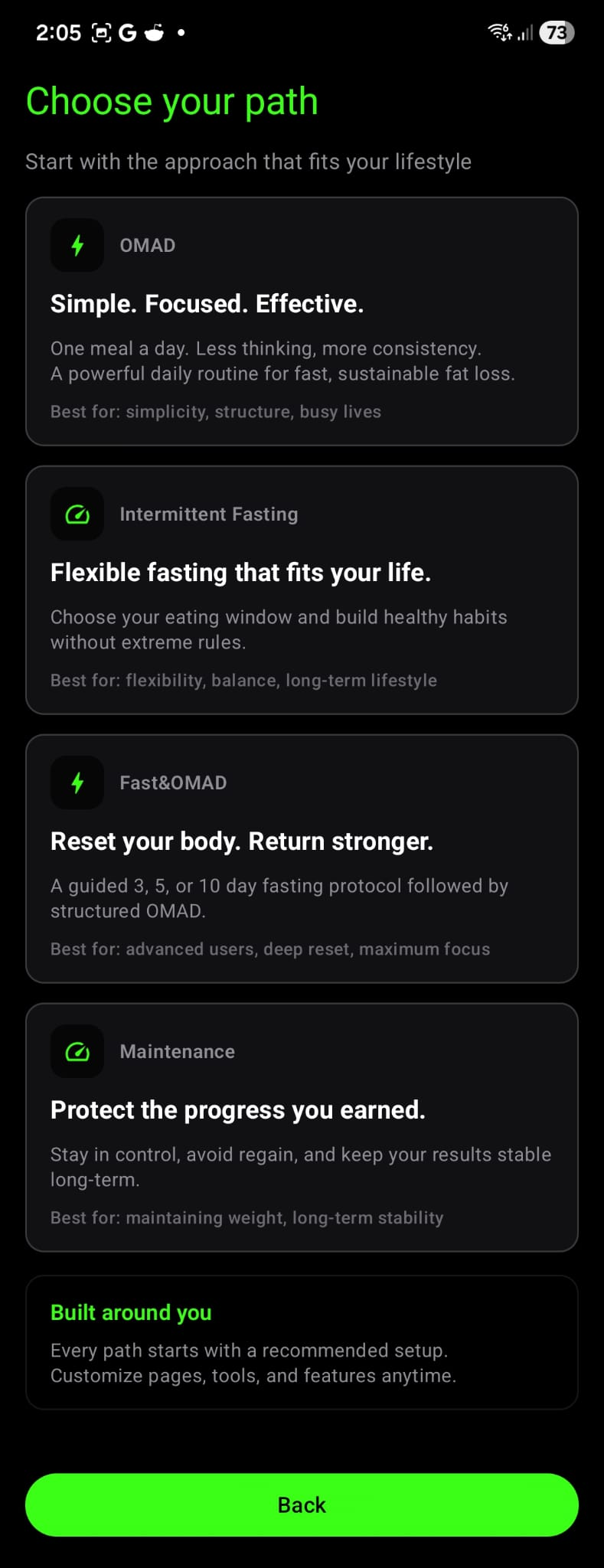
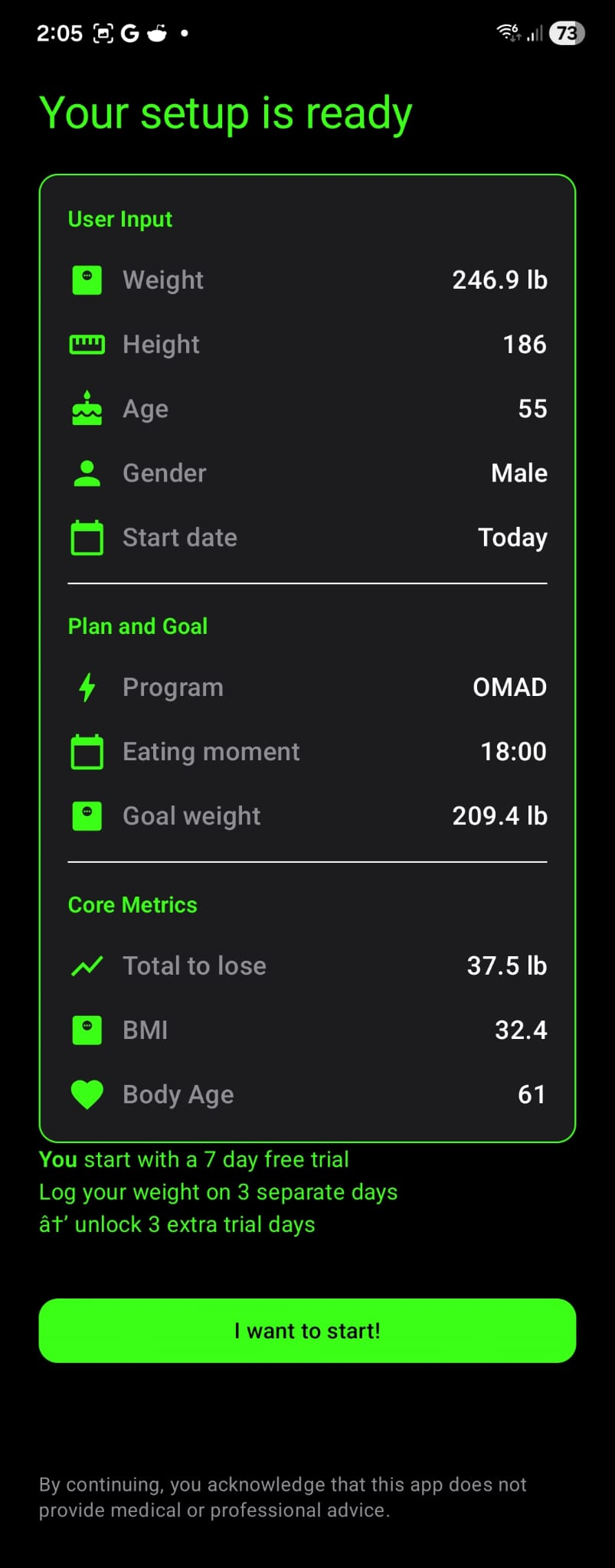
Each path starts with a recommended setup. Users can change visible pages, home content, and supporting tools later.
Support Tools
Recipes, workouts, info content, and maintenance mode support the system without turning into separate products.
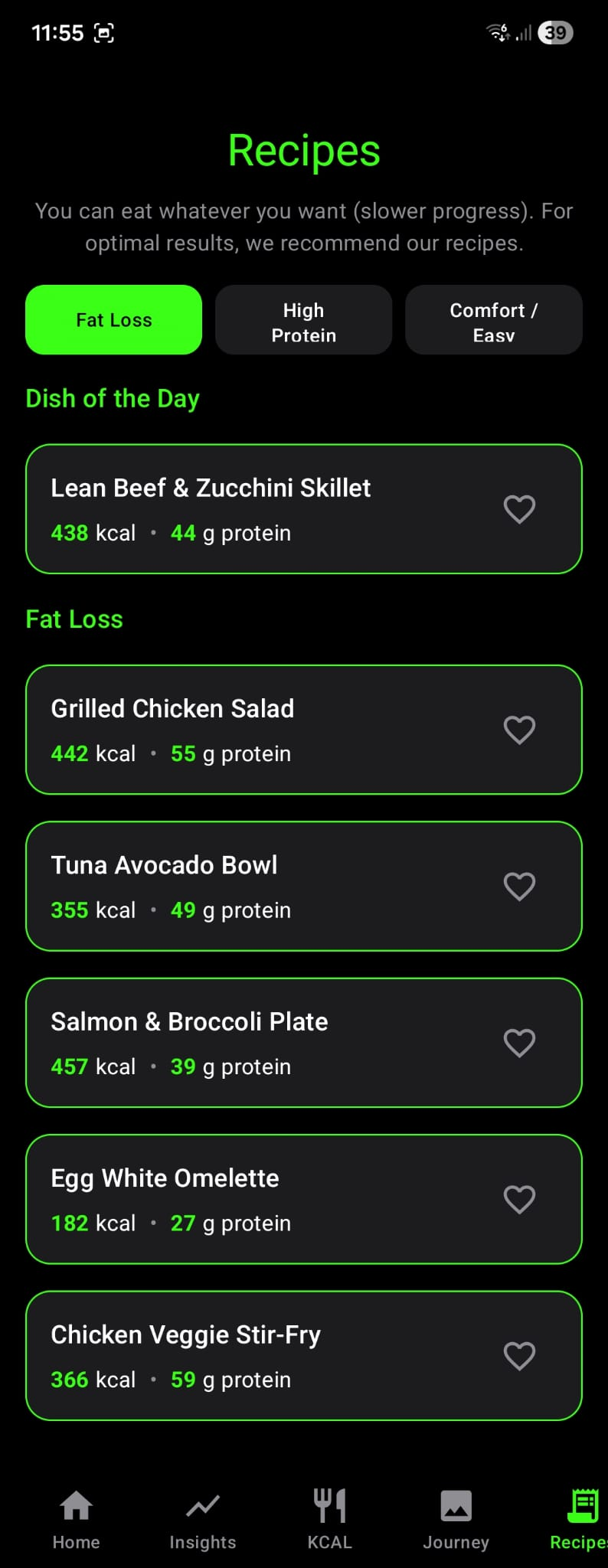
Meal ideas stay useful, practical, and easy to scan.
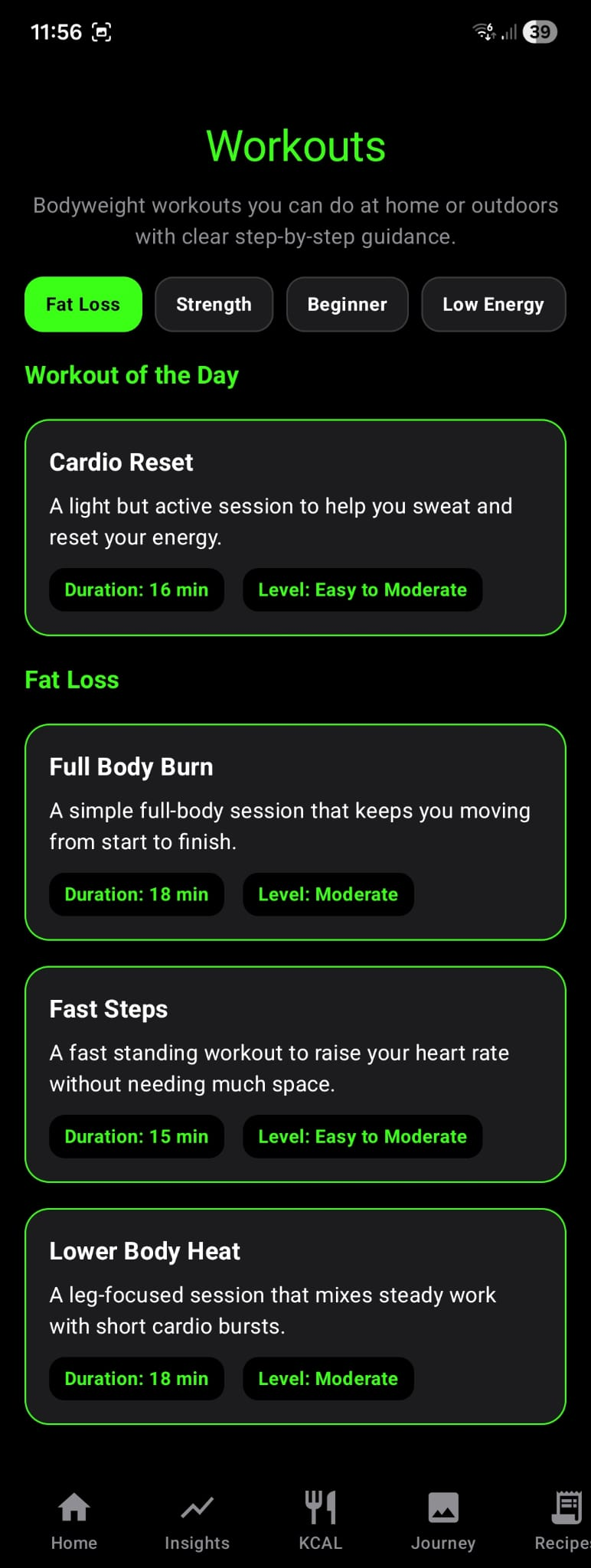
Bodyweight training sits inside the same routine as fasting and tracking.
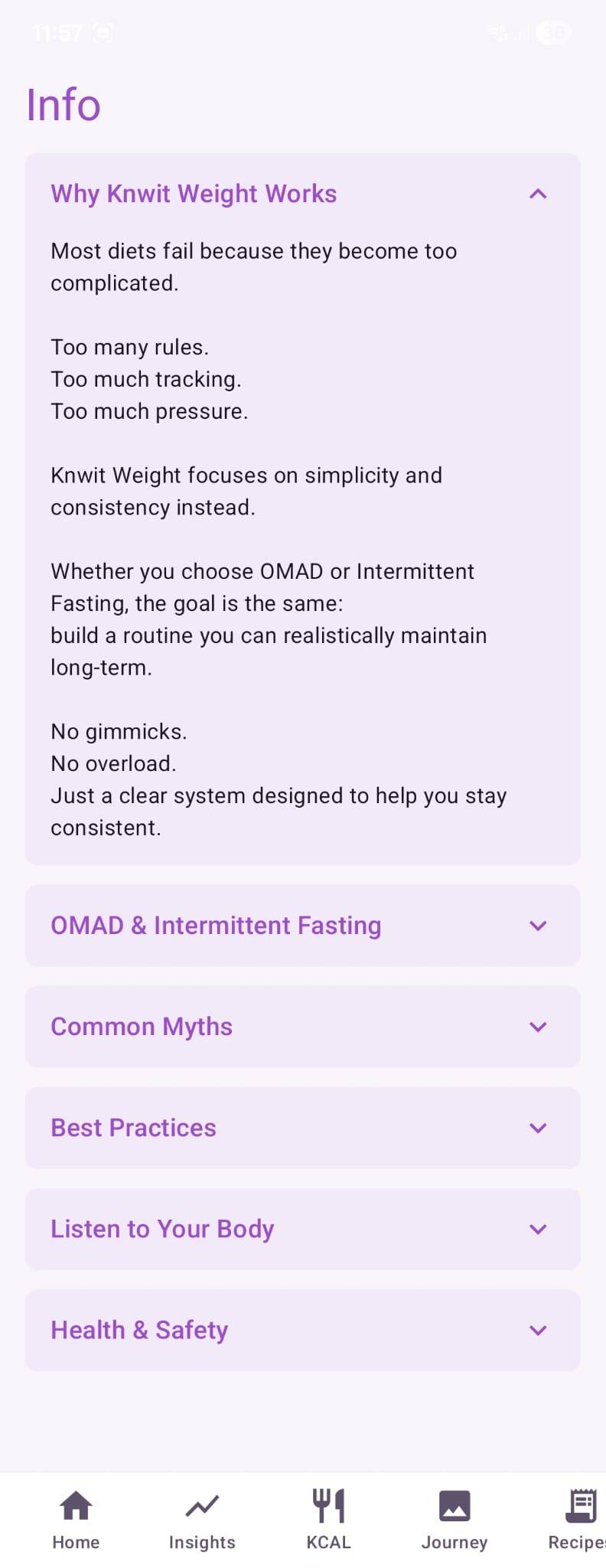
Supporting guidance stays readable and consistent with the product's calm tone.
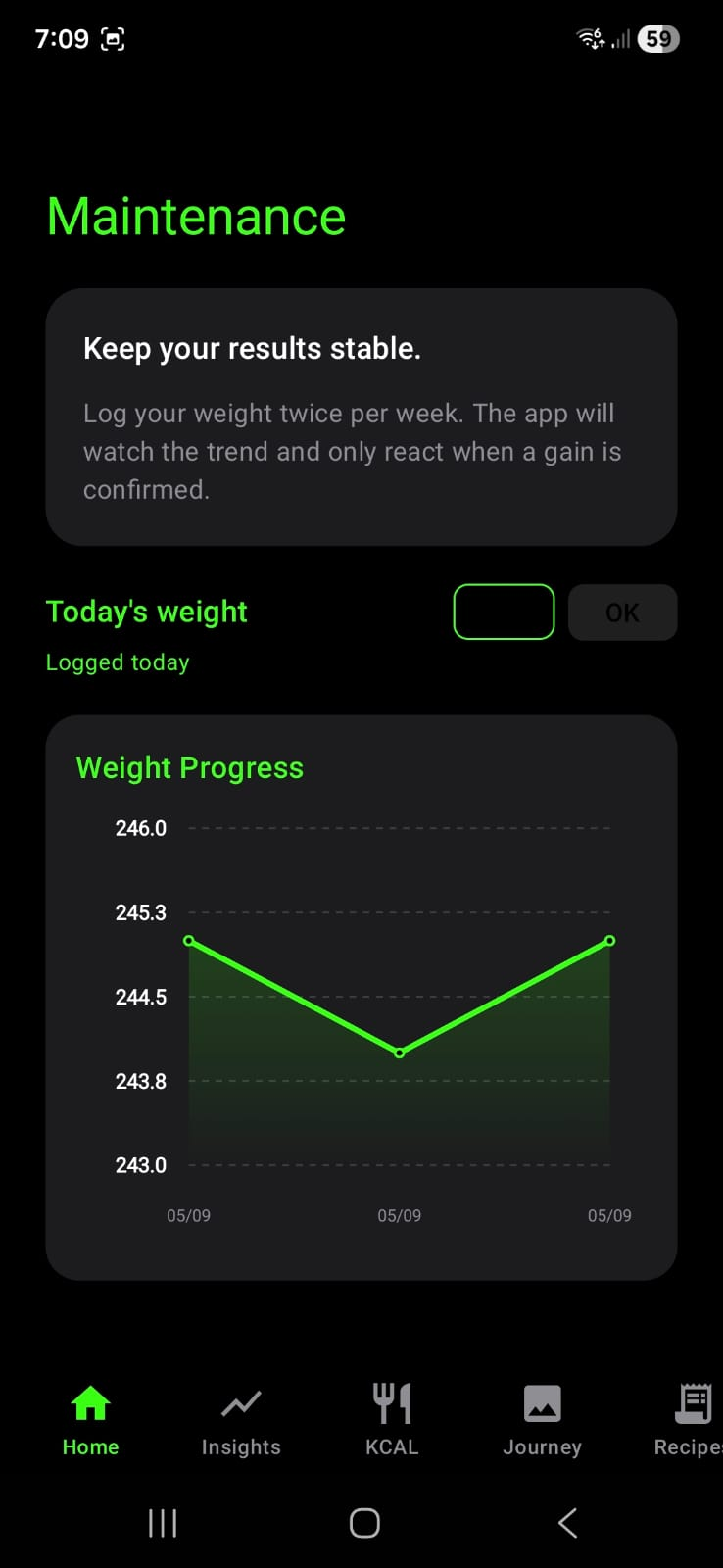
Maintenance mode helps users keep results stable with simple logging and clearer trend context.